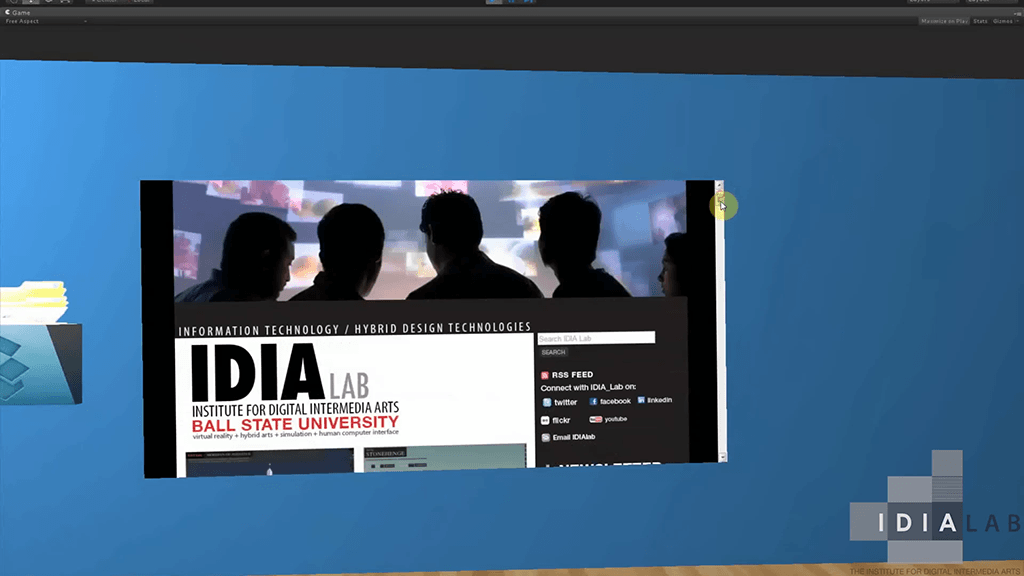
 David takes us through an example of using Collaboration screens within the Unity Software.
White text on a black background reads COLLABORATION SCREENS IN UNITY in all capital letters, centered on the image.
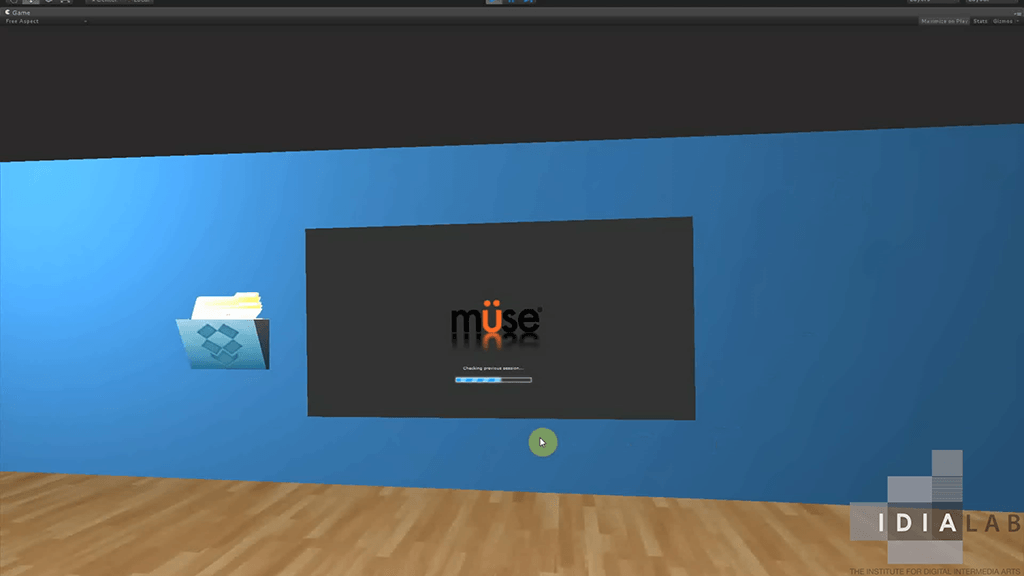
A virtual room with blue walls, a large screen displaying the Muse loading screen, a wall-mounted mail icon with papers, and a wooden floor; IDIA Lab logo is in the corner.
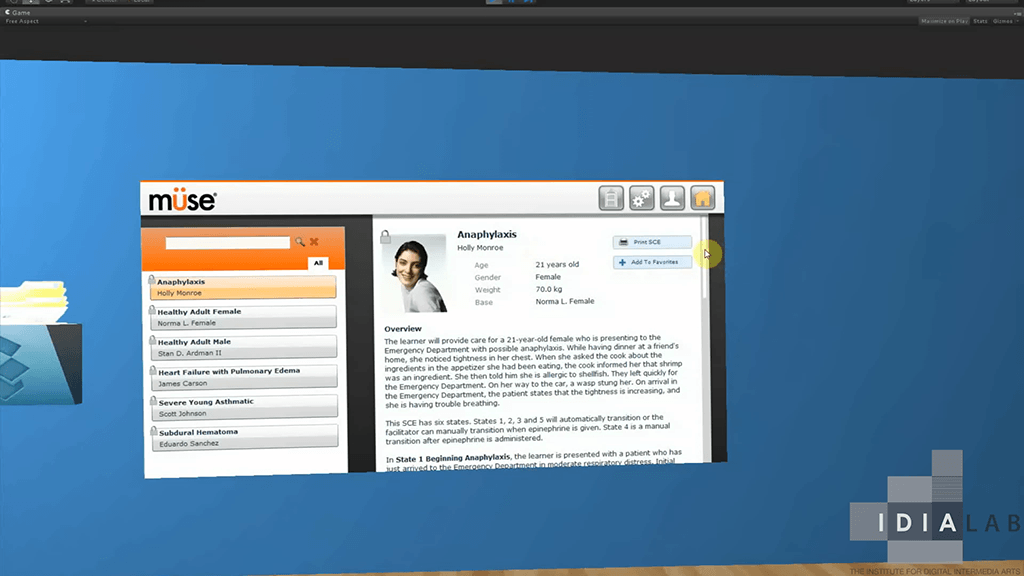
A computer screen displays a medical simulation interface about anaphylaxis, showing a patient profile, case overview, and navigation options.
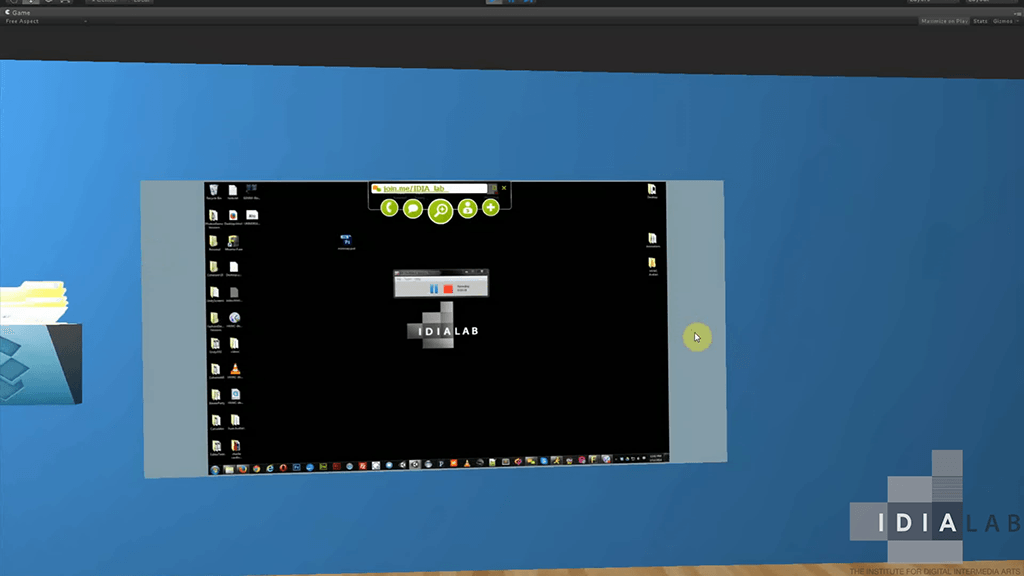
A computer screen displays a virtual desktop interface on a blue wall, with the IDIALAB logo visible in the bottom right corner.