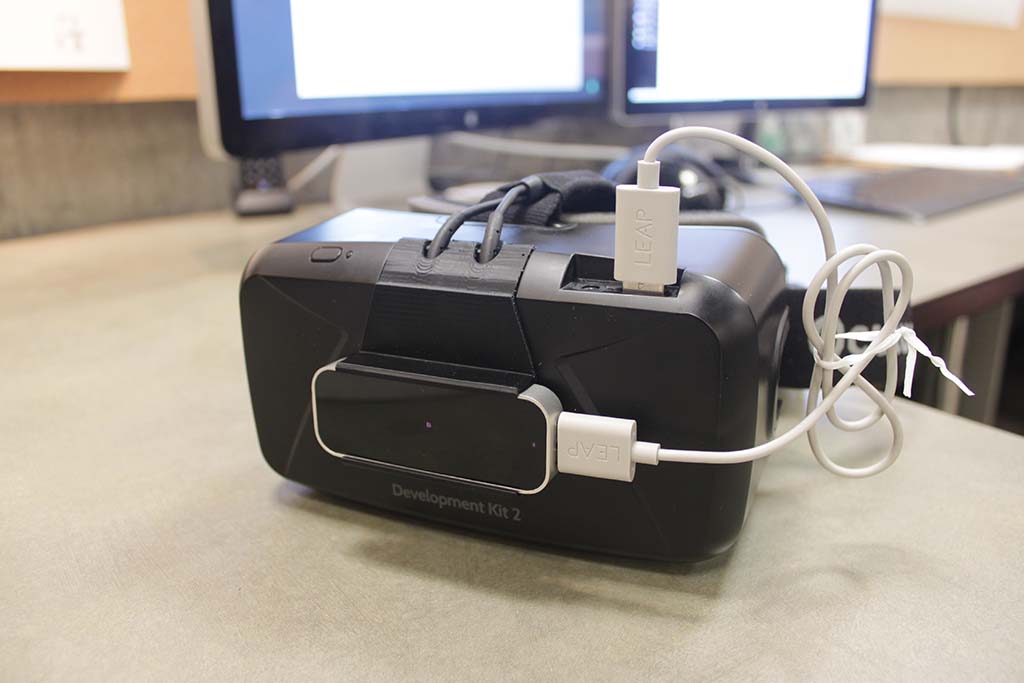
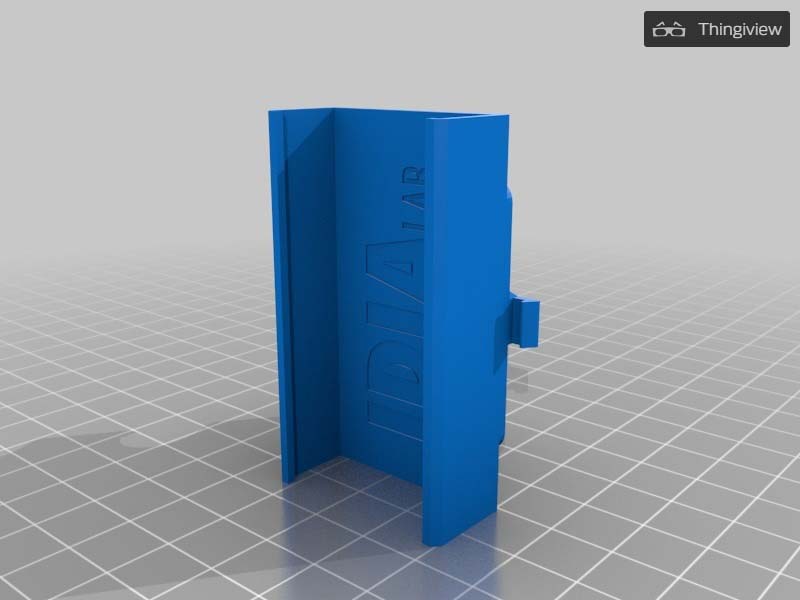
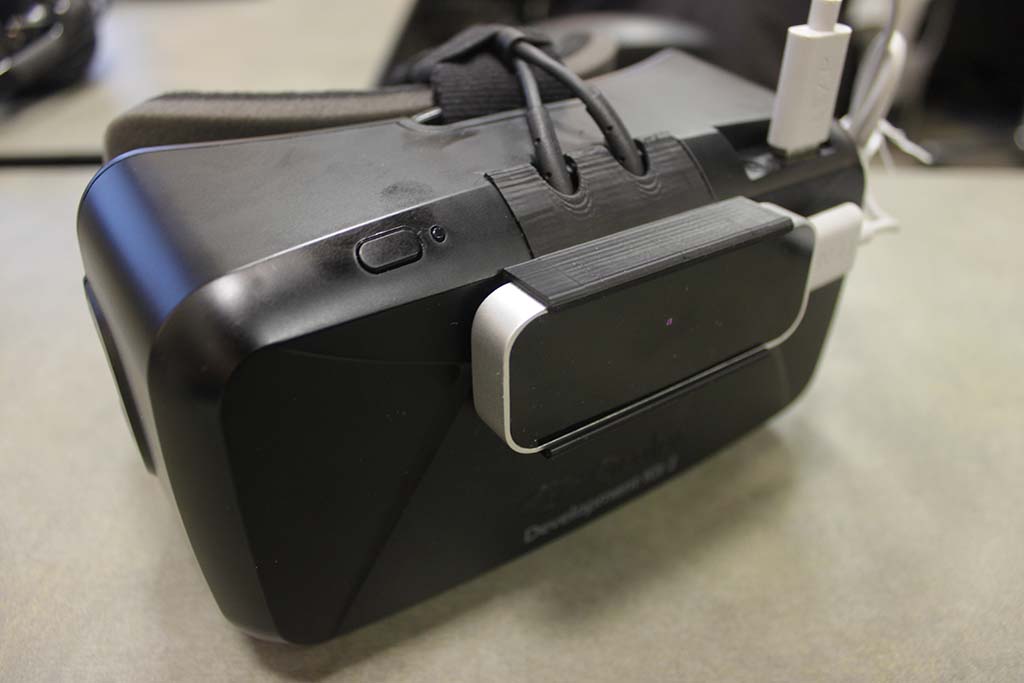
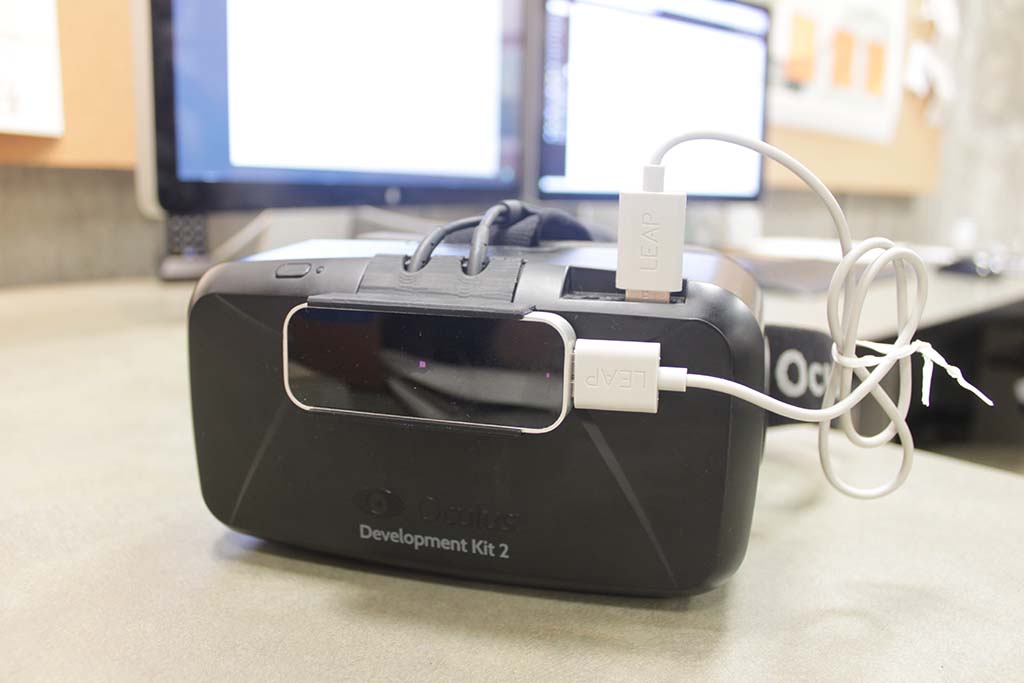
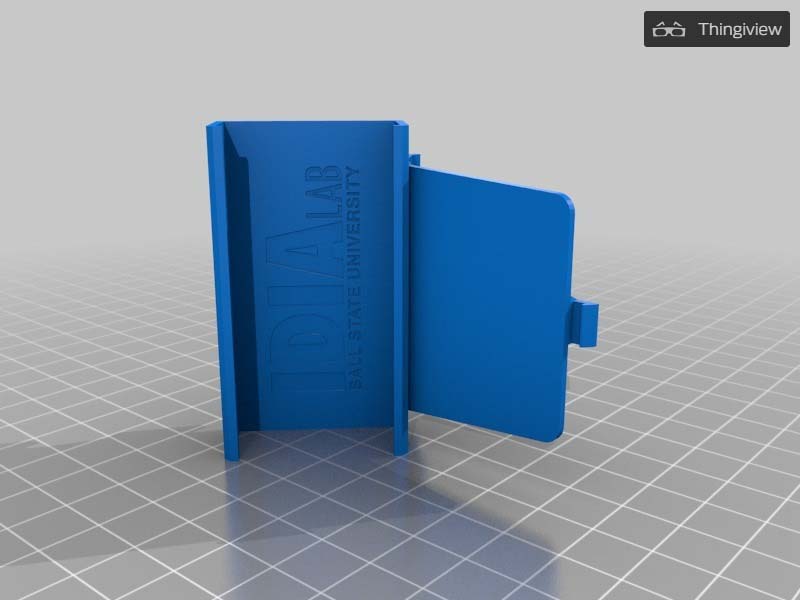
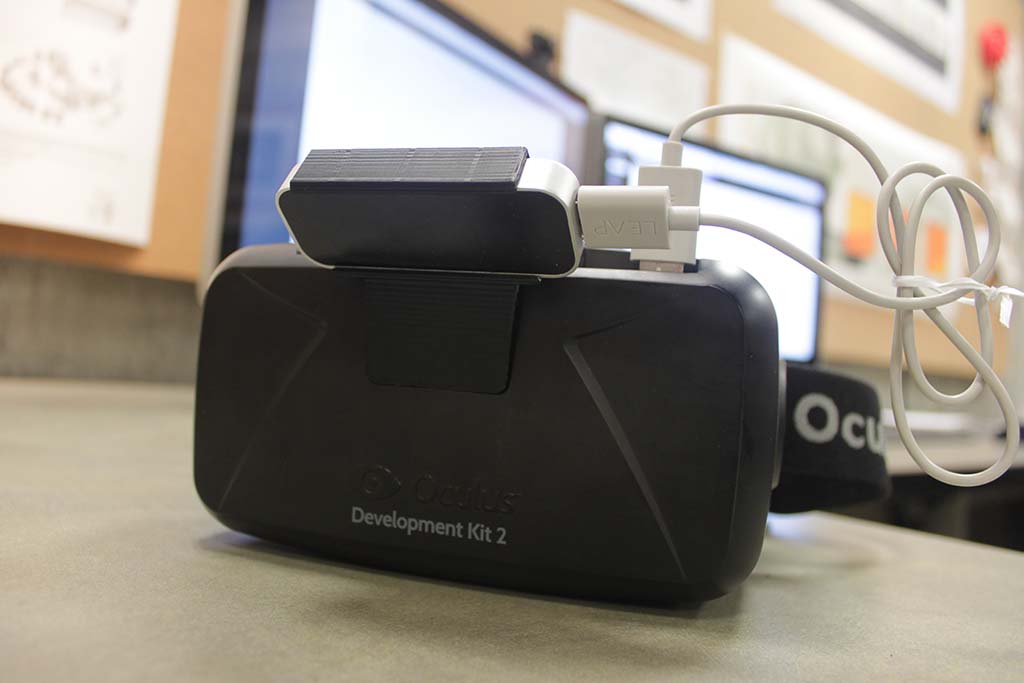
Using our MakerBot Replicator 2X 3D printer, IDIA’s Chris Harrison worked with David Rodriguez to create a family of 3 brackets with varying uses and advantages to mount a Leap Motion Controller to the front of an Oculus Rift DK2.
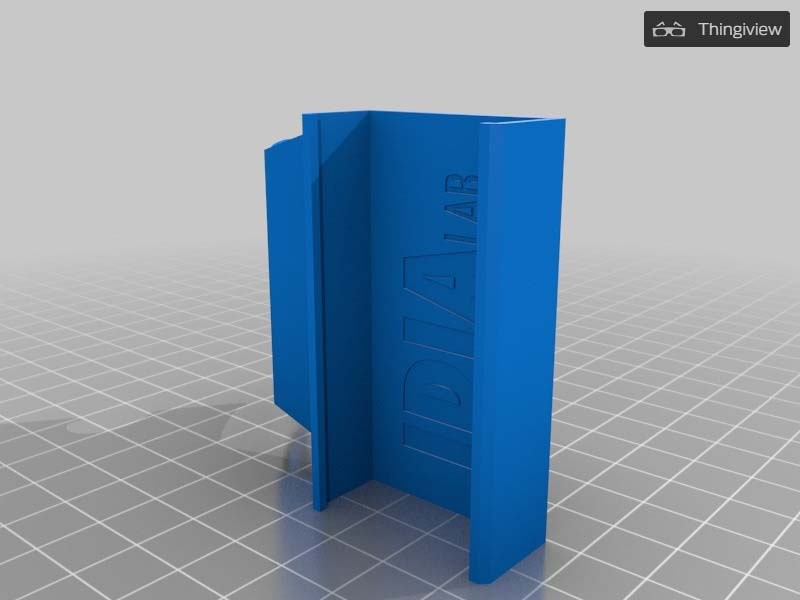
A blue 3D-printed object with the text IDIA Lab on its surface stands upright on a checkered grid background, resembling a sleek accessory for an Oculus Rift setup.
A virtual reality headset labeled Development Kit 2, with a Leap Motion sensor attached, sits on a desk in front of two computer monitors. This setup features the Oculus Rift DK2 for immersive experiences.
A blue 3D-printed plastic part with embossed text, designed for Oculus Rift, standing upright on a grid-patterned surface.
A black Oculus Rift virtual reality headset with attached cables and a front-mounted sensor rests on a gray surface.
A black Oculus Rift Development Kit 2 VR headset with a LEAP Motion sensor attached by USB cables, placed on a desk in front of computer monitors, showcases an immersive Oculus Rift setup ready for virtual reality experiences.
A blue, 3D-printed plastic case with a hinged door, embossed with IDIA LAB BALL STATE UNIVERSITY, designed to hold an Oculus Rift headset, displayed on a grid surface.
Oculus Rift Development Kit 2 VR headset with a sensor attached on top, connected by a white USB cable, placed on a desk in front of computer monitors.
Finding that double sided tape was not doing a very effective job of holding the Leap Motion Controller in place, we looked around Makerbot’s Thingiverse, an online warehouse of 3D print-ready objects, for a solution.
We found a bracket which when printed didn’t quite meet the tolerances of the Leap’s dimensions, and so some slight modifications were made to better accommodate it. In addition, rather than the 2-piece configuration on the website, a new bracket was made to be printed in one single pass.
Finally, after realizing other potential uses for the Leap, 2 more brackets were designed and printed so that the Leap can be securely installed onto the Oculus in a total of 3 different configurations.
The brackets can be viewed and downloaded here:
Bracket 1 Straight bracket used for visual IR passthrough from Leap camera
Bracket 2 Straight bracket used to minimize Oculus IR emitter occlusion
Bracket 3 Angles backet used to track hands with best angle – if no passthrough is desired
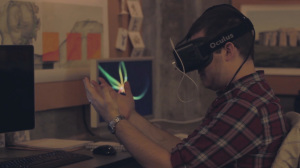
View a Oculus / Leap project here: https://idialab.org/oculus-rift-and-leap-motion-demo/